Welcome to Inkwell!
Thank you for installing Inkwell! We’re excited to have you on board. We can’t wait for you to start effortlessly annotating web pages with our intuitive tool. Whether for professional purposes or adding a touch of fun, Inkwell makes the process simple and enjoyable.
How to Use Inkwell
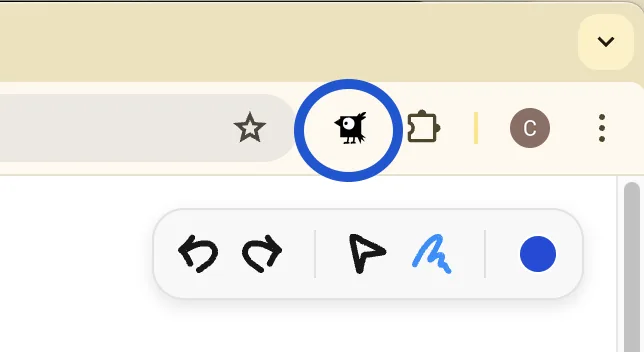
Activate Inkwell: Click on the Inkwell icon in your Chrome toolbar to open the annotation tool.
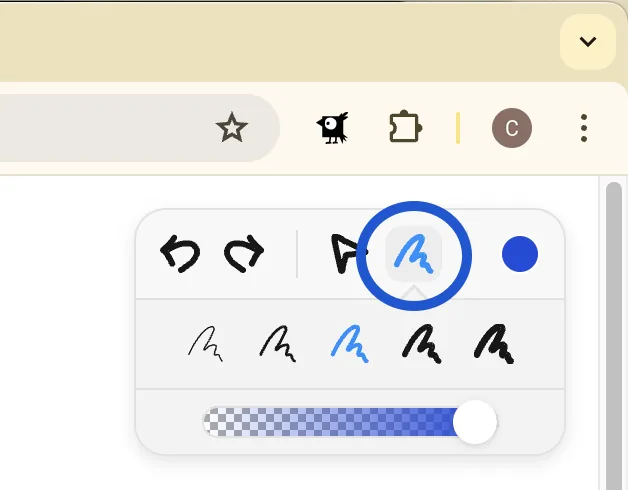
Select a Tool: Choose from various tools like brushes, colors, and transparency options to start annotating.
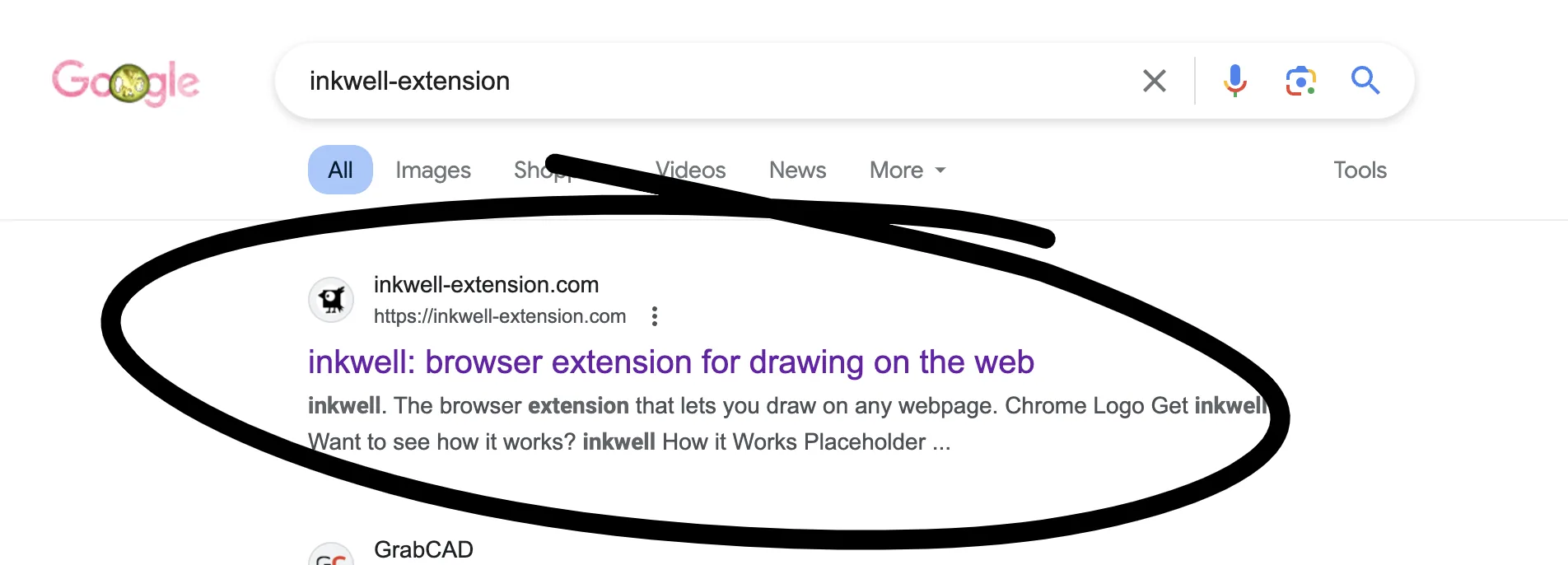
Annotate: Click and drag to draw, highlight, or add notes directly onto the webpage.
Edit and Arrange: Use the click-and-drag feature to reposition annotations. Utilize undo/redo to correct any mistakes.
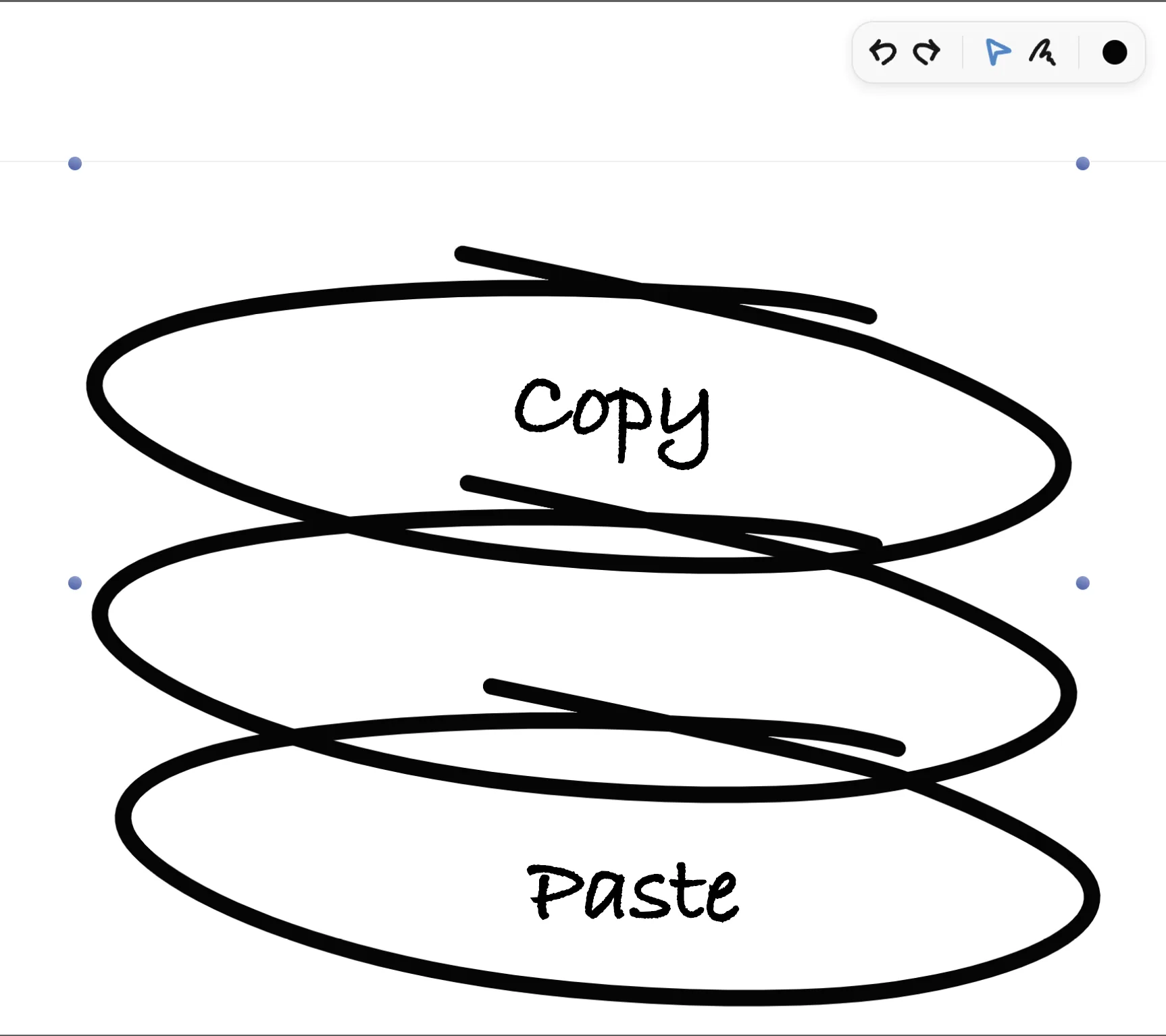
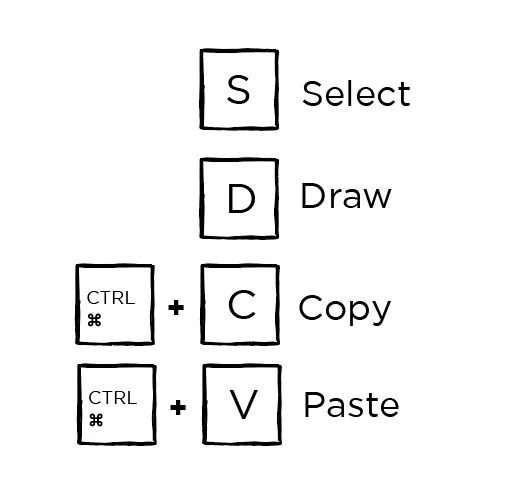
Copy/Paste: Speed up your annotating process and keep your flow smooth by easily duplicating annotations, even between other web pages.
Save and Share: No need to worry about losing your annotations as you scroll. Capture your annotated webpages effortlessly with a screenshot and share them with colleagues or friends.
Shortcuts for the Pros
Need Help or a Suggestion?
Have questions, issues, or cool ideas? Please share it with me! I’m a one-man show who loves building fun-practical tools for everyone and loves hearing from users.
Feel free to email me anytime at inkwell.extension@gmail.com.